
Compare Superbuy QC photos
Choose two photos from your device: one from the original listing and one from your Superbuy warehouse. Use matching angles when possible.
Your photos stay in this browser tab.
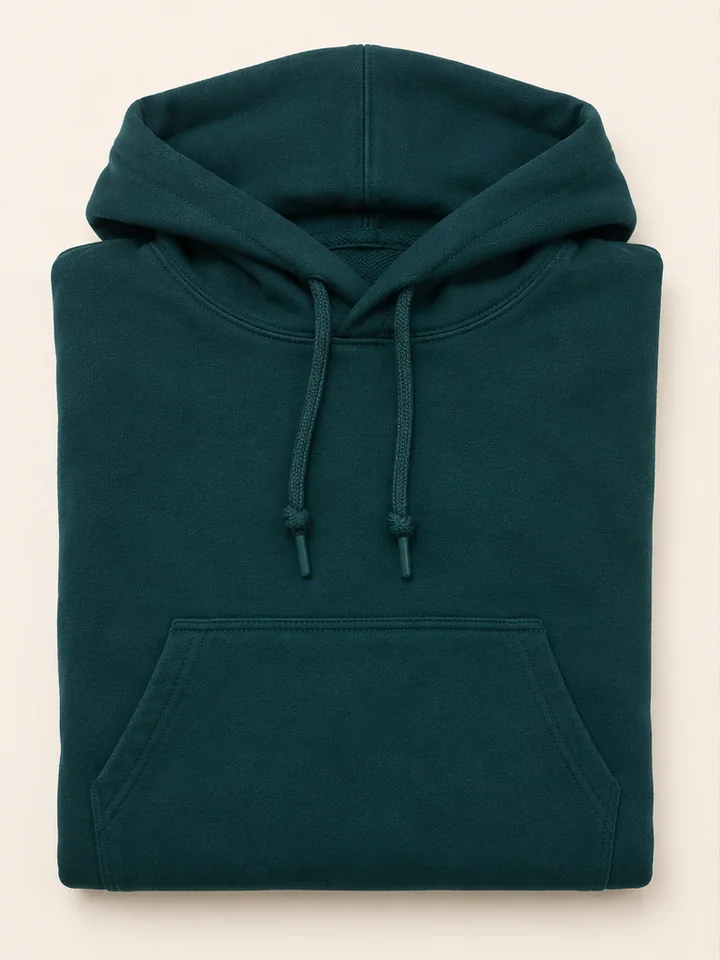
Seller listing
Warehouse photo
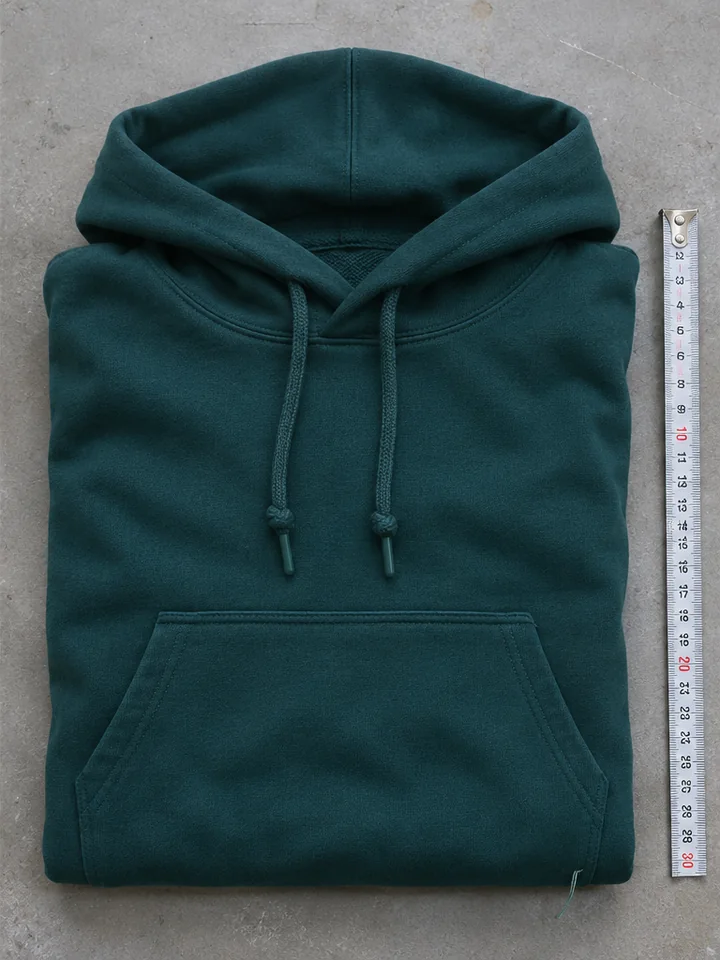
AI-generated example for practice. In the example, compare the pocket seams. The warehouse view shows a loose thread near the lower-right corner. Ask for a close-up if you need to tell whether a thread is loose or a seam has opened.
Choose a valid image that your browser can open.
When a photo leaves a question
For an unclear size, ask for the ruler to lie flat in the same plane as the item, with both ends visible. For a mark or uneven seam, request one full view and a close-up so you can locate it. Check the options available in your Superbuy order for more photos or help.
Superbuy shopping agent guide